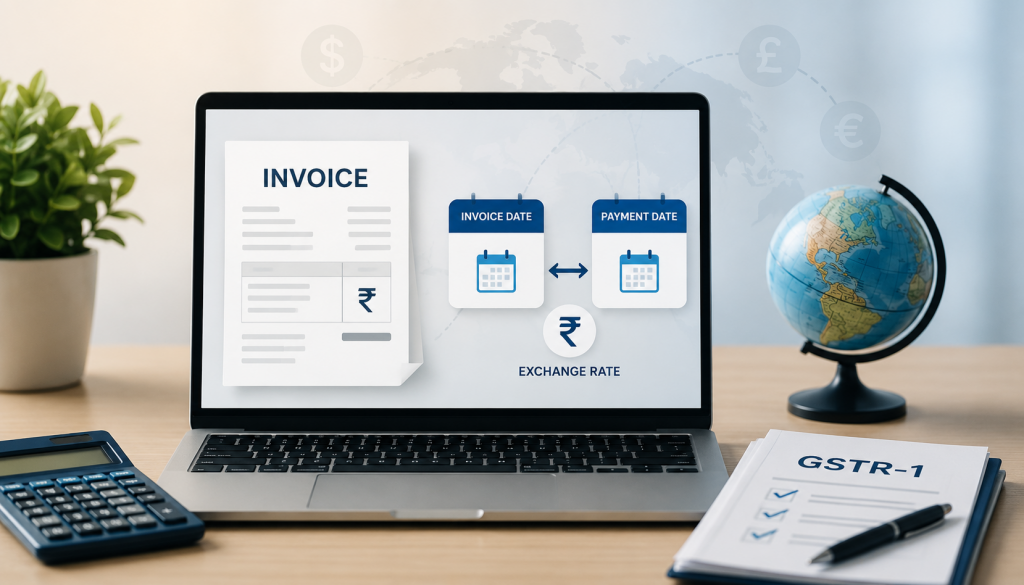

It is the 10th of the month, and your GSTR-1 deadline is closing in. You have twenty invoices to foreign clients sitting across three different currencies, a handful of exchange rates you half remember, and a nagging feeling you are about to mess up Table 6A again.
If this scene feels familiar, you are far from alone. GSTR-1 filing for domestic invoices is straightforward for most people. The moment export invoices enter the picture, with foreign currency values, LUT references, and zero-rated classifications, the process suddenly needs a lot more care.
Why Getting GSTR-1 Right Matters for Exporters
GSTR-1 is not just a formality. It is the return that reports your outward supplies to the GST department, and for exporters, it is directly tied to your zero-rated status and potential refund claims.
- Errors here can delay refunds. If you are claiming a refund on unutilized ITC for zero-rated supplies, an inaccurate GSTR-1 can hold up the entire process.
- Mismatched values invite scrutiny. If your reported INR value does not align with the exchange rate rules for export invoices, it can trigger reconciliation queries.
- Late or incorrect filing carries penalties. GST law prescribes late fees and interest for delayed filings, which add up quickly if this becomes a recurring pattern.
- It affects your overall compliance record. A consistent filing history matters if you ever need to demonstrate good standing, whether for a loan, a larger client contract, or a compliance rating.
For a freelancer or small exporter, GSTR-1 might feel like a once-a-month chore, but it is also one of the clearest signals of how organized your compliance actually is.
Where Export Invoices Go in GSTR-1
Export invoices are reported specifically under Table 6A of GSTR-1, separate from your regular domestic B2B and B2C tables. This table is designed to capture invoices where the shipping bill and export details, or the zero-rated service classification, need to be clearly identified.
For services (as opposed to goods), export invoices under LUT are reported as zero-rated supplies, meaning no IGST is charged, provided your LUT is valid and correctly referenced on the invoice.
Step-by-Step: Filing GSTR-1 for Export Invoices
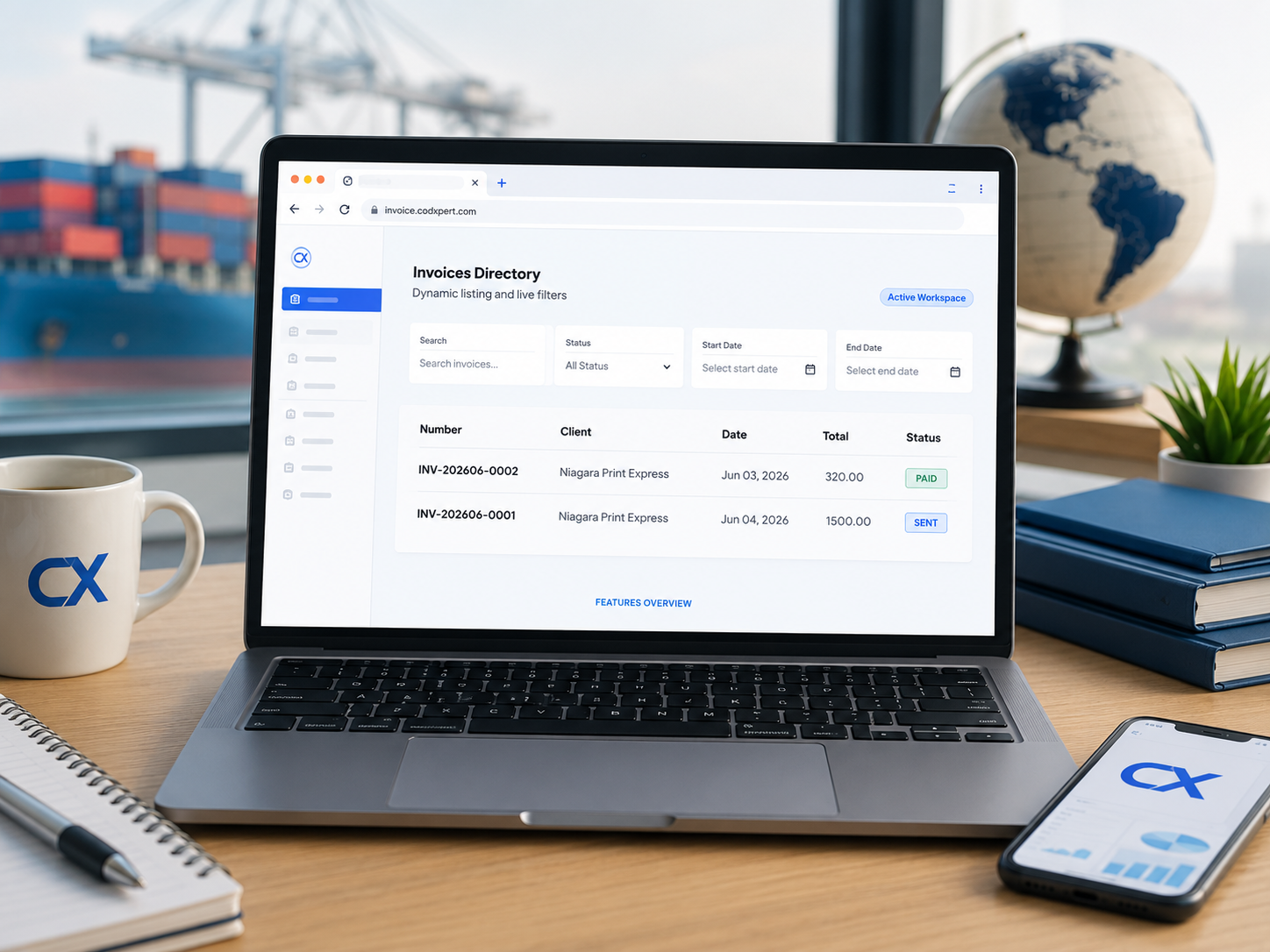
Confirm Your LUT
Ensure your LUT is valid for the current financial year and covers all export invoices for the filing period.
Gather Export Invoices
Collect every export invoice raised during the filing period along with the applicable invoice-date exchange rates.
Verify Exchange Rates
Always use the invoice-date exchange rate instead of the payment-date rate. Validate it using RBI reference rates.
Log in to GST Portal
Access the GST Portal and open the correct GSTR-1 return for the filing period.
Open Table 6A
Navigate to Table 6A where export invoices are reported separately from domestic supplies.
Enter Invoice Details
Add invoice number, invoice date, foreign currency value, exchange rate and converted INR value.
Select Supply Type
Choose “With Payment of Tax” or “Without Payment of Tax (LUT)” to ensure the correct IGST treatment.
Cross-Check Totals
Verify that the totals entered in Table 6A exactly match your export invoice register.
Submit the Return
Review all details carefully and complete the filing using DSC or EVC authentication.
Save the Acknowledgement
Download and keep the filed return for future reconciliation with GSTR-3B and refund claims.
Common Points of Confusion
| Point of Confusion | Correct Approach |
|---|---|
| Which exchange rate to use | Use the invoice-date exchange rate, not the payment-date rate. |
| Where export invoices go | Report export invoices in Table 6A, separate from domestic B2B/B2C transactions. |
| Whether IGST applies | Exports are zero-rated when a valid LUT is referenced on the invoice. |
| What supports the export claim | Maintain your LUT ARN, export invoice, and FIRC as supporting documents. |
| How often this needs to happen | Report export invoices in every applicable GSTR-1 filing period, not just once a year. |
Key Challenges Exporters Face With GSTR-1 Filing
- Manually calculating exchange rates for every invoice. Without a locked rate at the time of invoicing, freelancers often end up reconstructing rates weeks later, which introduces errors.
- Mixing up invoice-date and payment-date values. This is one of the most common mistakes, and it can cause your GSTR-1 to not align with your actual invoice records.
- Reconciling multiple currencies in one filing period. If you bill in USD, GBP, and AED within the same month, converting and aggregating them accurately by hand takes real time.
- No clean audit trail. If your invoice values and exchange rates live in scattered spreadsheets, verifying totals before filing becomes a manual, error-prone task.
- Missing LUT reference on invoices. If invoices were not generated with LUT details embedded, matching them up correctly for the “without payment of tax” classification becomes harder.
How Cod Xpert Simplifies GSTR-1 Filing for Exporters
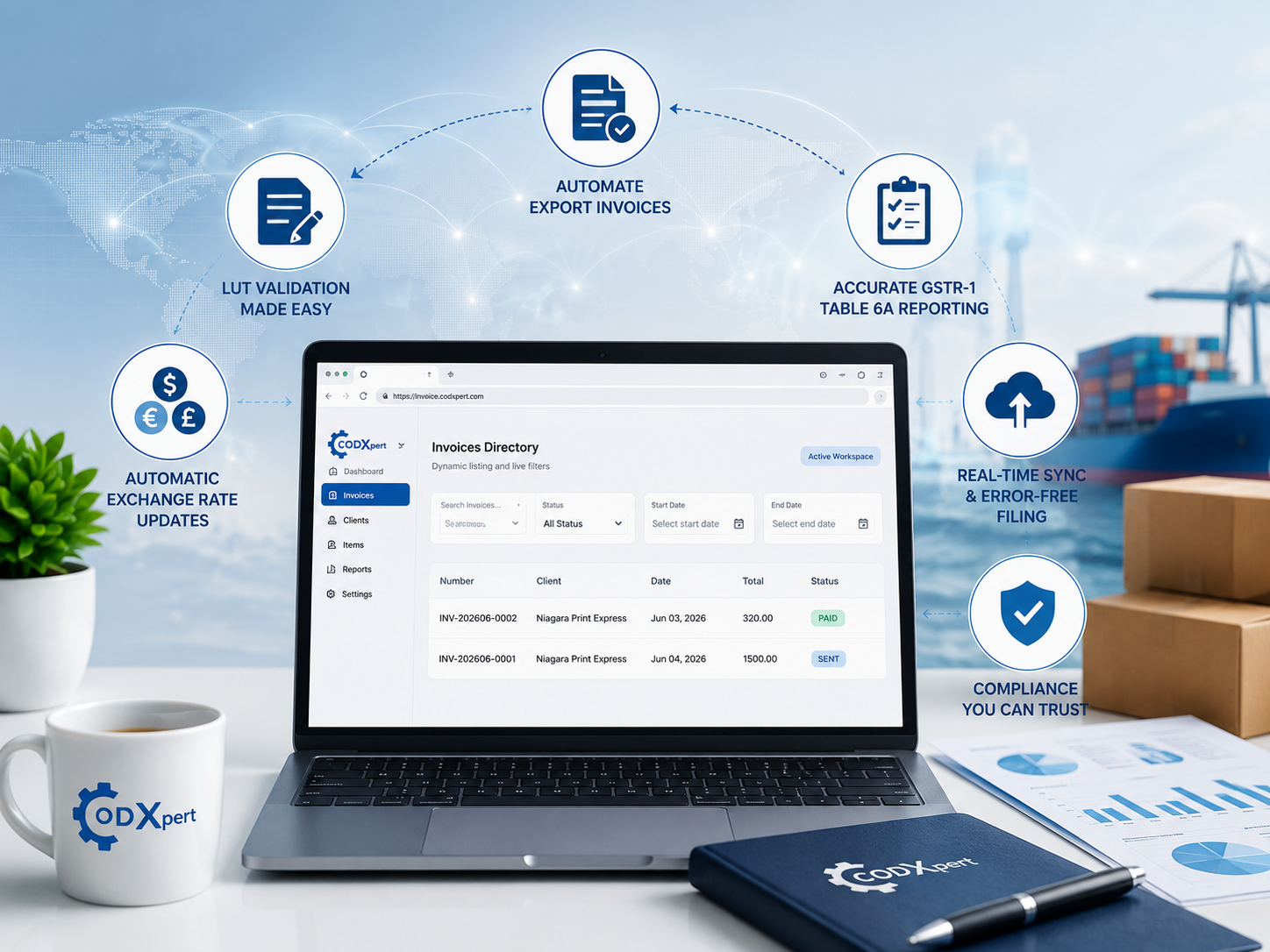
Cod Xpert Invoice Generator was built to remove the manual reconstruction work that usually happens right before a GSTR-1 deadline.
- Exchange rates locked at invoice creation. Every export invoice automatically carries the correct invoice-date rate from ExchangeRate-API, so there is no need to reconstruct it later.
- LUT auto-embedded on every invoice. Your export invoices are correctly classified as zero-rated from the moment they are created, with the LUT reference already in place.
- One-click GSTR-1 CSV export. The GST & Forex Dashboard compiles your export invoices for any filing period into a ready-to-upload CSV, formatted for Table 6A.
- Built-in reconciliation view. Before filing, you can review invoice totals, exchange rates, and classifications in one dashboard, rather than cross-checking multiple spreadsheets.
- Multi-currency handling done automatically. Whether your invoices for the period are in USD, GBP, or AED, the aggregated INR values are calculated consistently and accurately.
You can see the complete GSTR-1 workflow on the Cod Xpert Invoice Generator page, including how it connects to LUT declarations and forex tracking.
For the latest official filing procedures, the GST portal remains the authoritative source to confirm before each filing period.
Best Practices for Smoother GSTR-1 Filing
- Do not wait until the deadline to compile invoices. Reconcile weekly or biweekly so the actual filing day is just a final review.
- Lock exchange rates at the time of invoicing, not retroactively, to avoid last-minute rate hunting.
- Double-check LUT validity before your first export invoice each financial year. An expired LUT changes how the invoice should be classified.
- Keep a single source of truth for invoice totals, so your GSTR-1 entries and your own records always match exactly.
- File on time, every time. Consistency in filing builds a clean compliance record that helps if you ever need to demonstrate it extern

Bringing It All Together
GSTR-1 filing for export invoices is not fundamentally difficult, but it does require precision across exchange rates, LUT references, and correct table classification. The freelancers and exporters who struggle with it are usually not missing knowledge, they are missing a system that keeps this data accurate from the moment each invoice is created.
If your GSTR-1 filing routine still involves reconstructing exchange rates or hunting through spreadsheets, it might be time for a better workflow. Contact Cod Xpert to learn more, or visit invoice.codxpert.com to request a demo and see one-click GSTR-1 export for your own invoices.
FAQs (Frequently Asked Questions)
Where do export invoices go in GSTR-1?
Export invoices are reported under Table 6A, separate from regular domestic B2B and B2C supplies.
Which exchange rate should I use when filing GSTR-1 for export invoices?
Use the exchange rate on the invoice date, not the date payment was received.
Do I need to charge IGST on export invoices in GSTR-1?
No, if you have a valid LUT referenced on the invoice, the supply is zero-rated and no IGST needs to be charged.
What happens if I don't have a valid LUT when filing?
Without a valid LUT, the export would typically need to be reported with IGST paid, followed by a refund claim, rather than as zero-rated.
How often do I need to file GSTR-1 for export invoices?
Export invoices need to be reported in the GSTR-1 for every filing period in which they were raised, based on your regular filing frequency.
What documents support my export claim in GSTR-1?
Your LUT reference and invoice details support the zero-rated classification, while FIRC later serves as proof of export realisation for refund purposes.
Can I file GSTR-1 for multiple currencies in the same period?
Yes, each invoice is converted to INR using its own invoice-date rate, and all values are aggregated together in the return.
What is the biggest mistake exporters make in Table 6A?
Using the payment-date exchange rate instead of the invoice-date rate is one of the most common and easily avoidable mistakes.
How can I make GSTR-1 filing faster for export invoices?
Reconciling invoices regularly, locking exchange rates at the time of billing, and using software with a ready-to-file GSTR-1 export significantly speeds up the process.
Does Cod Xpert generate a GSTR-1-ready file automatically?
Yes, Cod Xpert’s GST & Forex Dashboard compiles export invoices into a one-click CSV export formatted for GSTR-1 Table 6A filing.

Shadab Alam
Founder of CodXpert • Co-Founder of Anterpreneur & Niagara Print Express
Shadab Alam is an entrepreneur, technology strategist, and the Founder of CodXpert, as well as Co-Founder of Anterpreneur and Niagara Print Express (NPE). With expertise in software engineering, artificial intelligence, SEO, digital transformation, and business strategy, he empowers businesses to innovate, automate processes, and accelerate sustainable growth through modern technology and data-driven solutions.